+1 646-926-2949
 +91 954-054-7507
Most SaaS products do not fail because the code is bad. They fail because the team spent a year building features nobody paid for, or because an early shortcut, like one database per customer or billing logic scattered through the app, made every later change slow and risky. This guide covers the decisions that matter when you build a SaaS product in 2026: what to put in the first version, how to design for many customers, which stack to use, who you need on the team and what drives the cost.
Start with a narrow first version
A SaaS MVP should solve one painful problem for one type of customer, well enough that they pay for it. Everything else can wait.
A good first version usually has:
- Sign-up, login and a way to invite teammates.
- The one core workflow your customers will pay for.
- Subscription billing, even if you only have one plan.
- An admin view for your own team to support customers.
- Basic usage tracking, so you can see which features are used.
What usually waits: custom roles and permissions, white-labelling, a public API, mobile apps, and integrations beyond the one or two your first customers ask for. Building these before you have paying users is the most common way SaaS budgets run out.
Multi-tenancy: the decision that is hard to change later
Every SaaS product serves many customers (tenants) from one system. How you separate their data is the most important architecture decision, because changing it later means migrating every customer.
There are three common models:
- Shared database, shared tables: every row carries a tenant ID. It is the cheapest to run and the easiest to scale to thousands of small customers, but every query must filter by tenant. Use a global query filter (for example in Entity Framework Core) or row-level security in PostgreSQL, so one missed filter cannot leak data.
- Shared database, separate schemas: each tenant has its own schema. Isolation is better, but migrations must run once per tenant.
- Database per tenant: the strongest isolation, and sometimes required by enterprise or regulated customers. It costs more to run and makes reporting across tenants harder.
Most products start with shared tables and move large or regulated customers to their own database later. If you design the tenant boundary cleanly from day one, that move is a configuration change, not a rewrite.
Billing and subscriptions
Billing touches pricing, trials, upgrades, downgrades, proration, failed payments, invoices and taxes. Do not build it yourself. Use a billing provider such as Stripe Billing, Paddle or Chargebee, and keep one clear place in your code that maps a customer's plan to the features and limits they get.
Two details save a lot of pain later:
- Store plan limits (seats, projects, API calls) as data, not as checks spread through the code, so you can change pricing without a release.
- Handle payment webhooks idempotently, because providers retry them.
If you sell to businesses in the EU, UK or India, choose a provider that handles VAT or GST for you, or plan for it early.
Choosing a stack
There is no single best stack for SaaS. Pick one your team knows well and can hire for. Common, proven choices are:
- Backend: ASP.NET Core or Node.js. .NET is a strong fit for complex business rules, reporting and enterprise customers; Node.js suits real-time features and teams that want one language across the stack.
- Frontend: React or Next.js for most products; Blazor if your team is .NET-first and the app is mostly internal or admin-heavy.
- Database: PostgreSQL or SQL Server. Add Redis for caching and background job queues when you need them, not before.
- Hosting: Azure or AWS with managed databases and containers. For an early product, a managed app service is simpler and cheaper than Kubernetes.
- Authentication: a managed identity provider such as Microsoft Entra External ID, Auth0 or Clerk, rather than custom password handling.
Our Chronicle case study shows a workforce SaaS rebuilt on modern .NET, Blazor and SQL Server on Azure, and released to existing customers as a Beta next to the legacy system.
Security and compliance basics
Business customers will ask about security before they sign, often with a questionnaire. Build these in from the start:
- Tenant isolation tested automatically, including a test that tries to read another tenant's data.
- Single sign-on (SAML or OpenID Connect) on the roadmap, because larger customers will require it.
- An audit log of important actions.
- Encrypted backups, with restores tested.
- A clear data export and deletion process for GDPR requests.
You do not need SOC 2 or ISO 27001 on day one, but following these practices makes certification much easier when a large customer asks for it.
The team you need
A typical team for a SaaS MVP is small:
- One or two full stack developers who can build both the API and the user interface.
- A UI/UX designer for the first few weeks, then part-time.
- A part-time QA engineer once the product has paying users.
- A product owner on your side who decides what goes in each release.
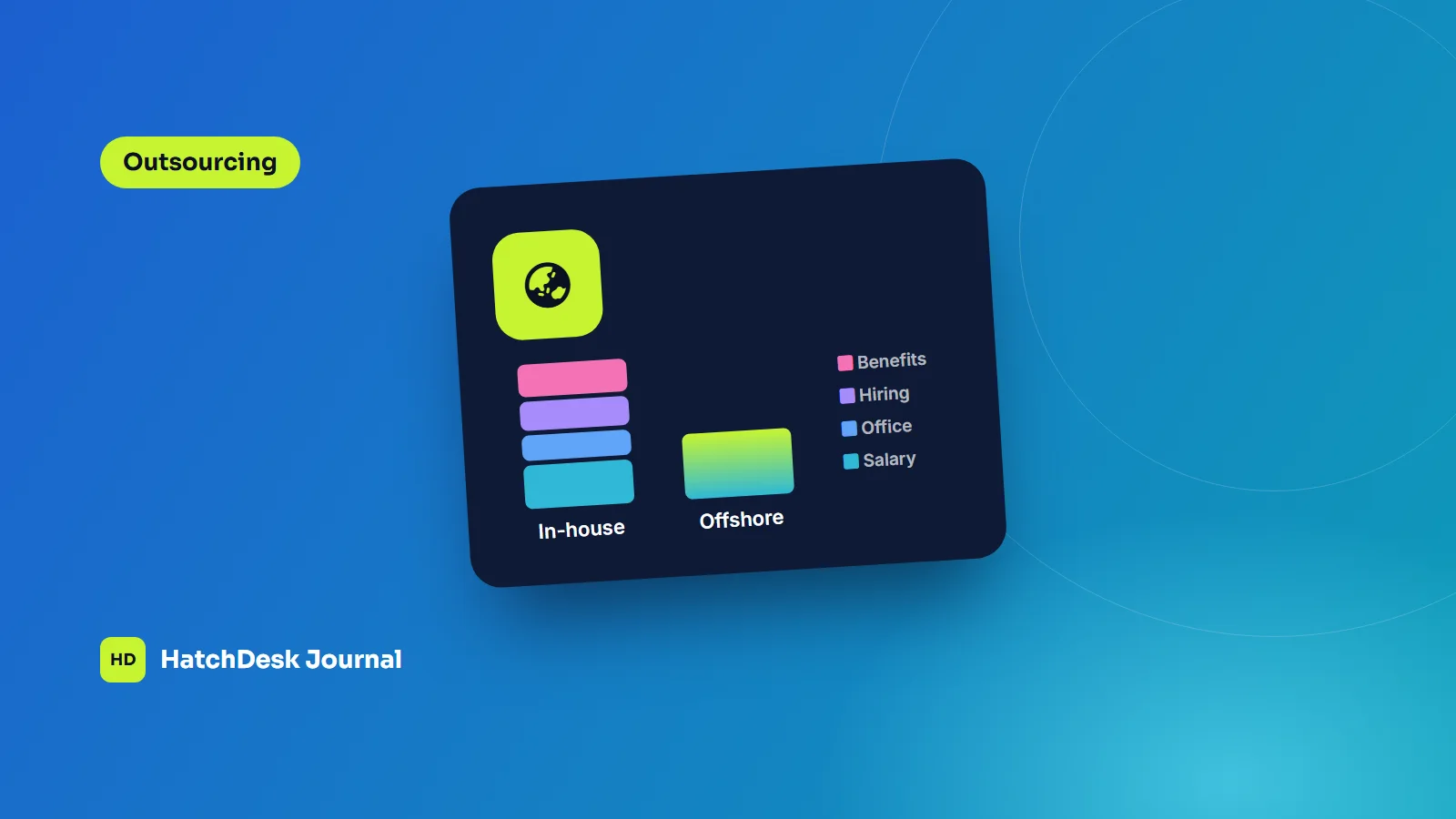
DevOps work (CI/CD, environments, monitoring) is usually handled by a senior developer at this stage. Many founders hire full stack developers for the first version and add specialists as the product grows. An offshore team can keep this affordable without lowering the bar; our guide to offshore vs in-house costs compares the two.
What drives the cost
The cost of a SaaS product depends less on the number of screens and more on:
- How complex the core workflow and business rules are.
- How many user roles and permission levels there are.
- Integrations with other systems, such as accounting, CRM or payment gateways.
- Data import from customers' existing tools.
- Reporting and dashboards.
- Security and compliance requirements from your target customers.
Our article on what it costs to build a web app gives typical budget ranges, and our rates are on the pricing page. The most reliable way to get a real number is a short discovery phase that ends with a scope, an architecture and a fixed quote for the first release.
Mistakes we see most often
- Building for every customer segment at once, instead of winning one.
- Leaving multi-tenancy for later.
- Writing custom billing.
- Skipping automated tests on the parts that handle money or customer data.
- Choosing a stack the team cannot hire for.
- No product analytics, so decisions are based on opinions instead of usage.
Building it with a partner
If you do not have an in-house engineering team, a development partner can take you from idea to a launched MVP and keep developing the product after launch. Look for a team that has shipped and run SaaS products before, asks hard questions about your first version, and gives you full ownership of the code.
Our SaaS development services page explains how we plan, build and scale SaaS products, from MVP to multi-tenant platforms with billing and analytics built in.